Turn the mirror. Steer the light. Light the crystal.
Steer the light through the maze with mirrors and ignite the crystals. Few moves, big "aha" moments.
Free. Contains ads and in-app purchases. iPhone, iPad and Android.
- 200levels
- 5regions
- 3boosters
- 7 daysreward streak
Lumen at a glance.
Mirrors, prisms, filters and crystals: eight frames from the game.
Mirror first, then light.
The tutorial walks you through the first three levels; the rest is yours.
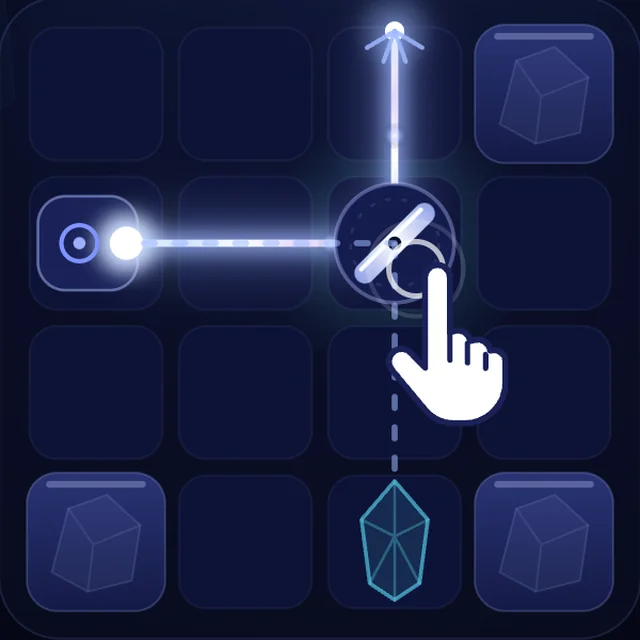
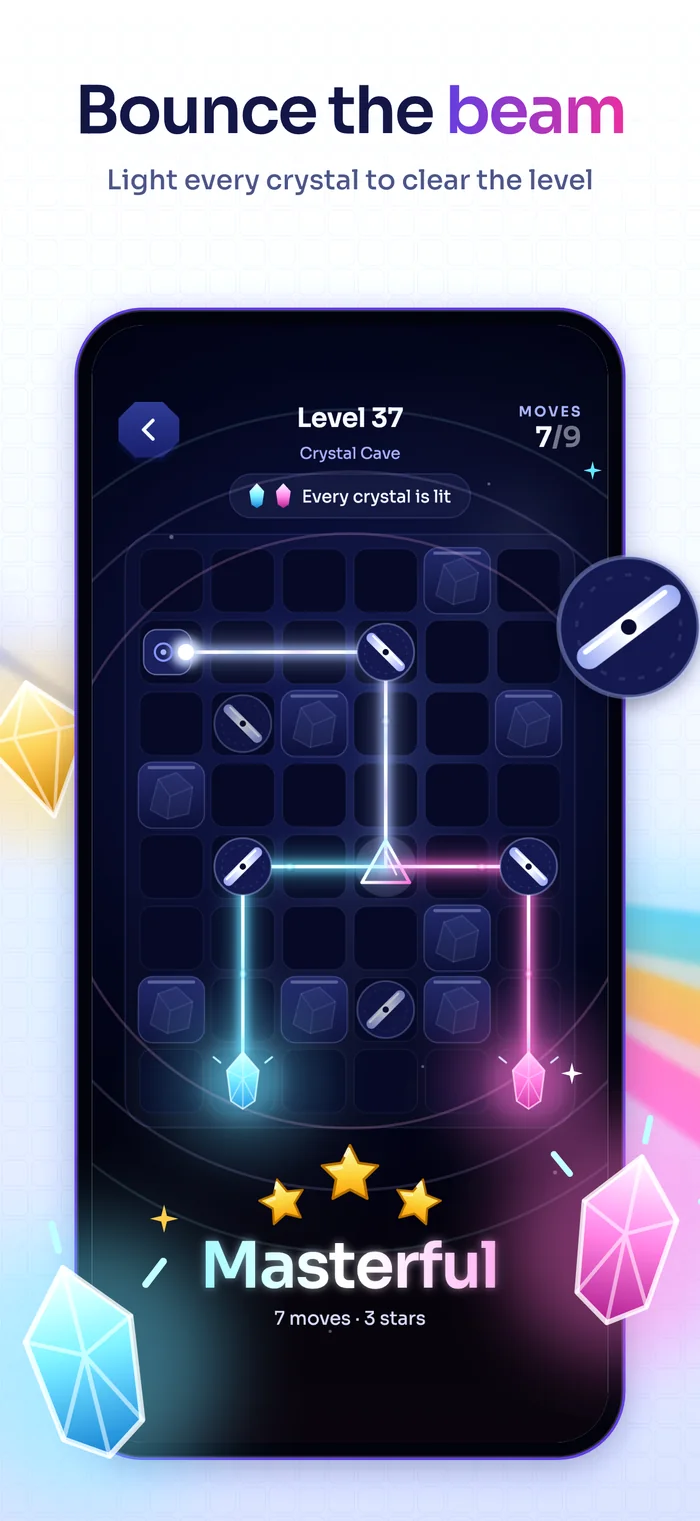
Turn the mirror
Tap a mirror to turn it and redirect the light. A mirror without light turns for nothing.
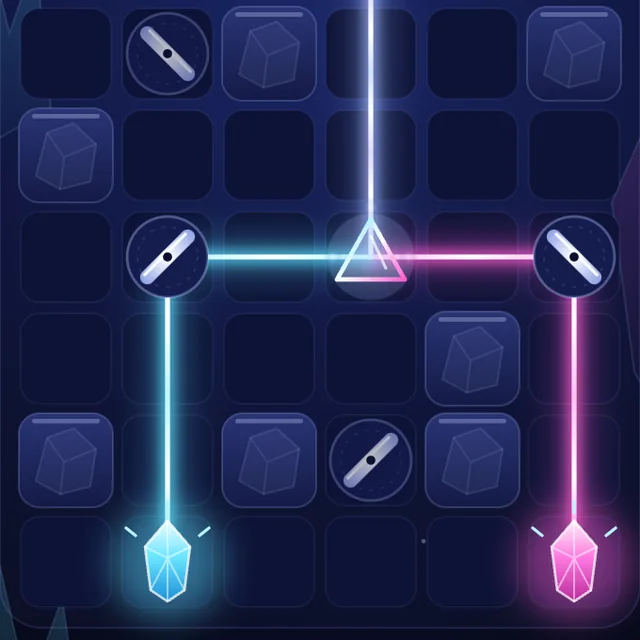
Light the crystal
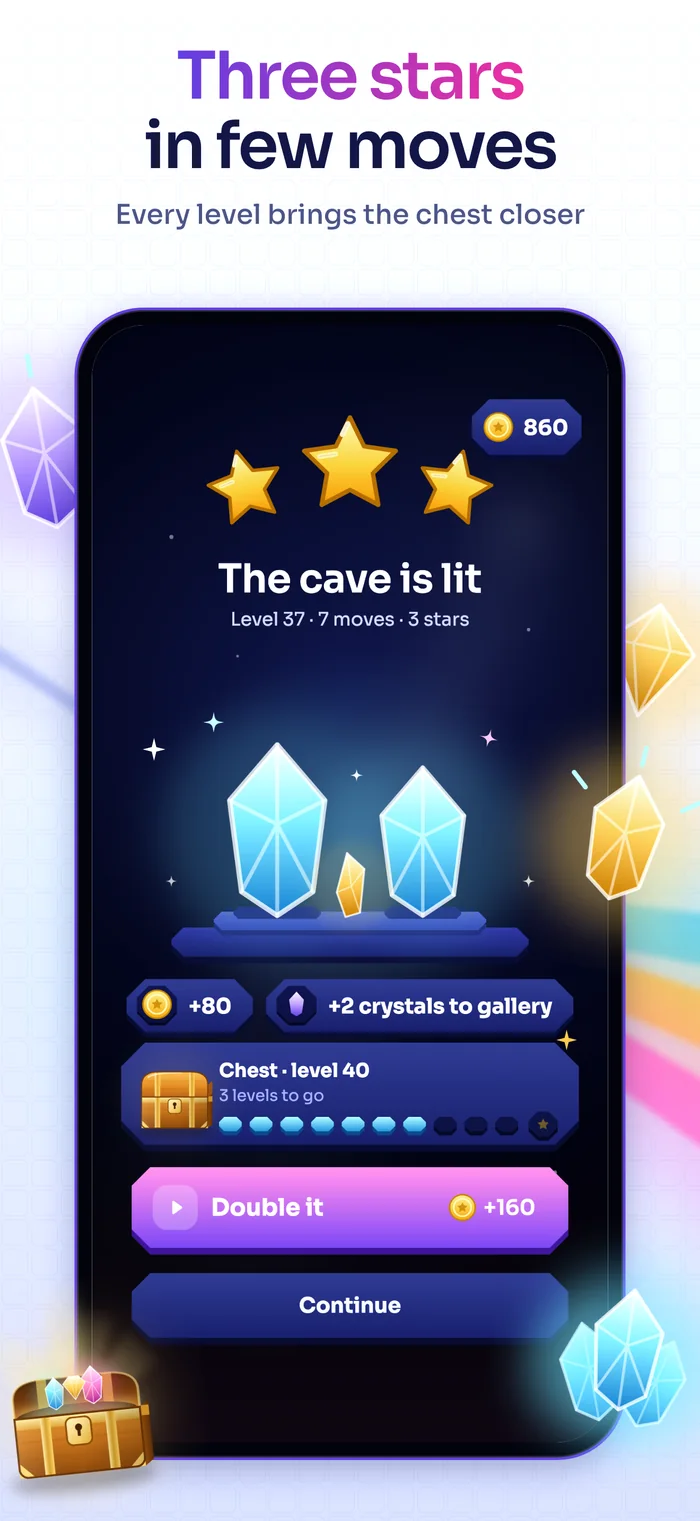
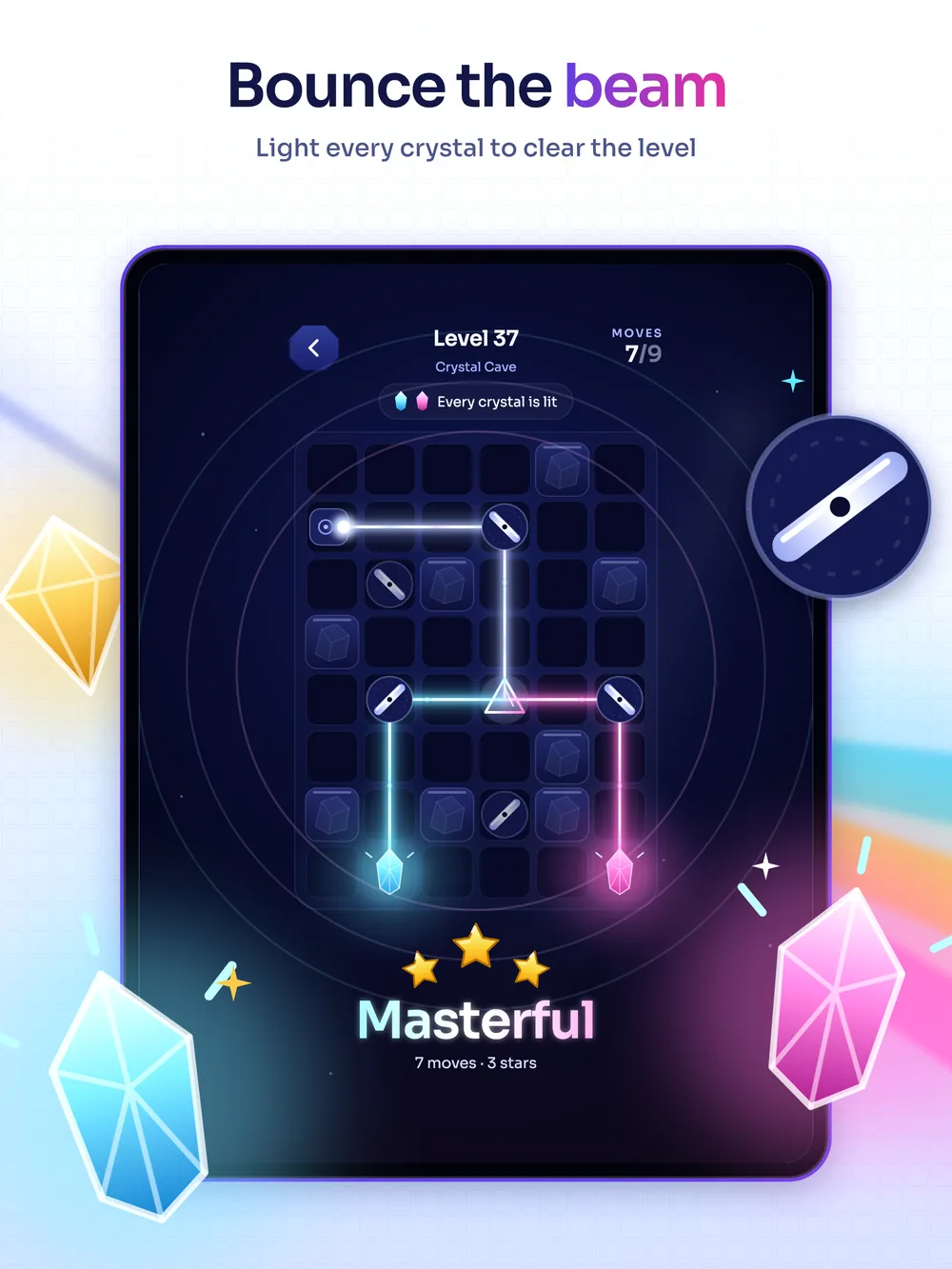
The level ends when every crystal is lit at once. Finish within the move limit for 3 stars.
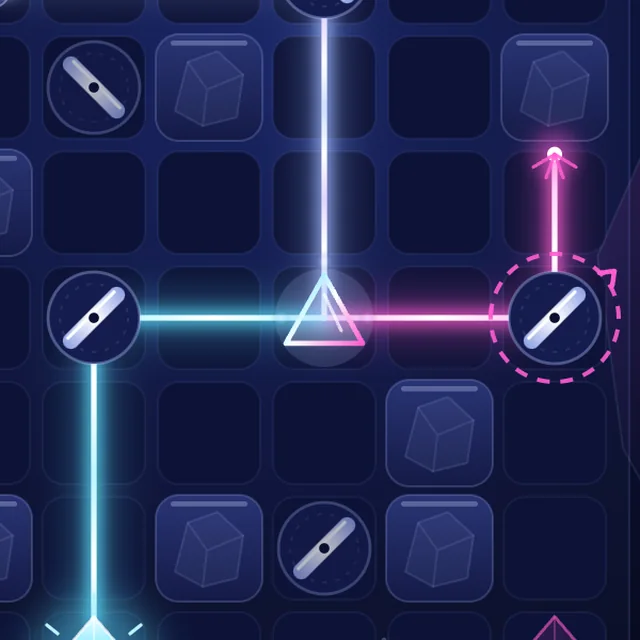
Split the colour
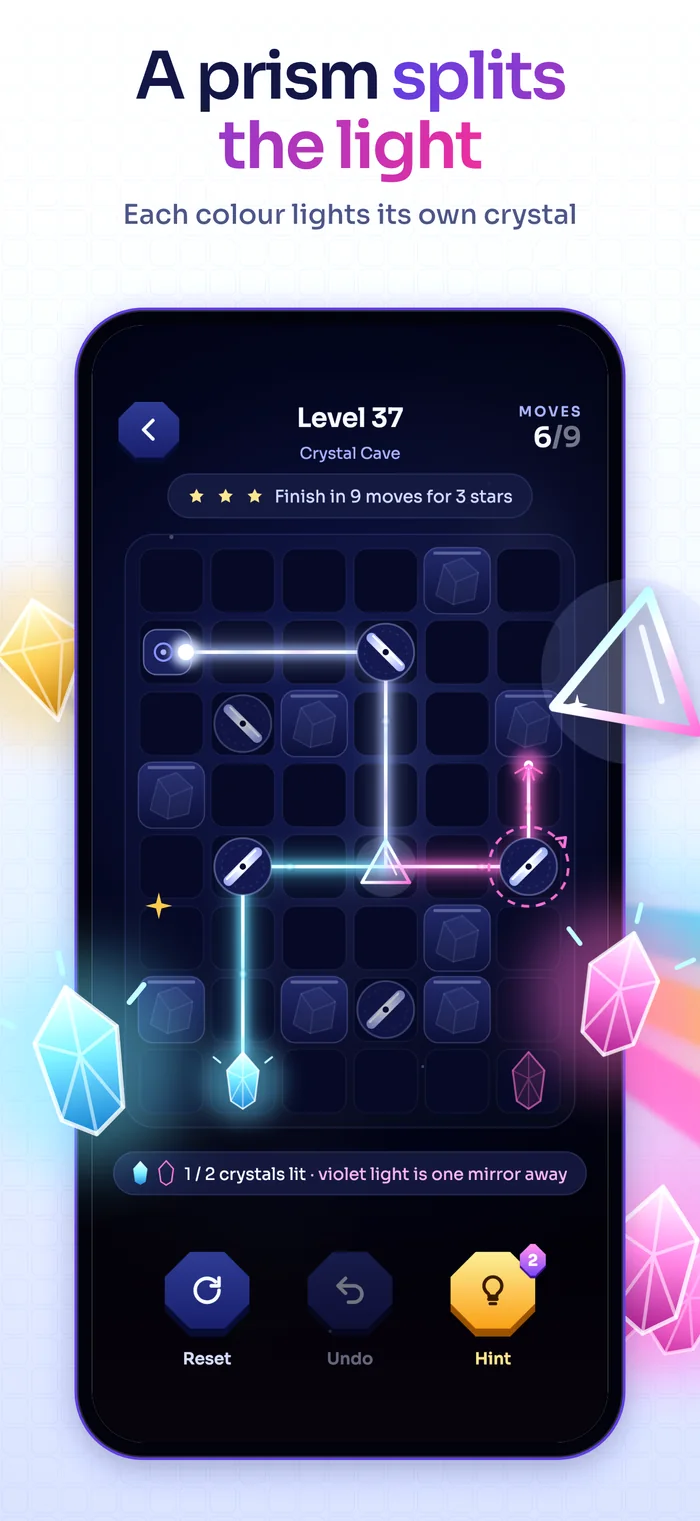
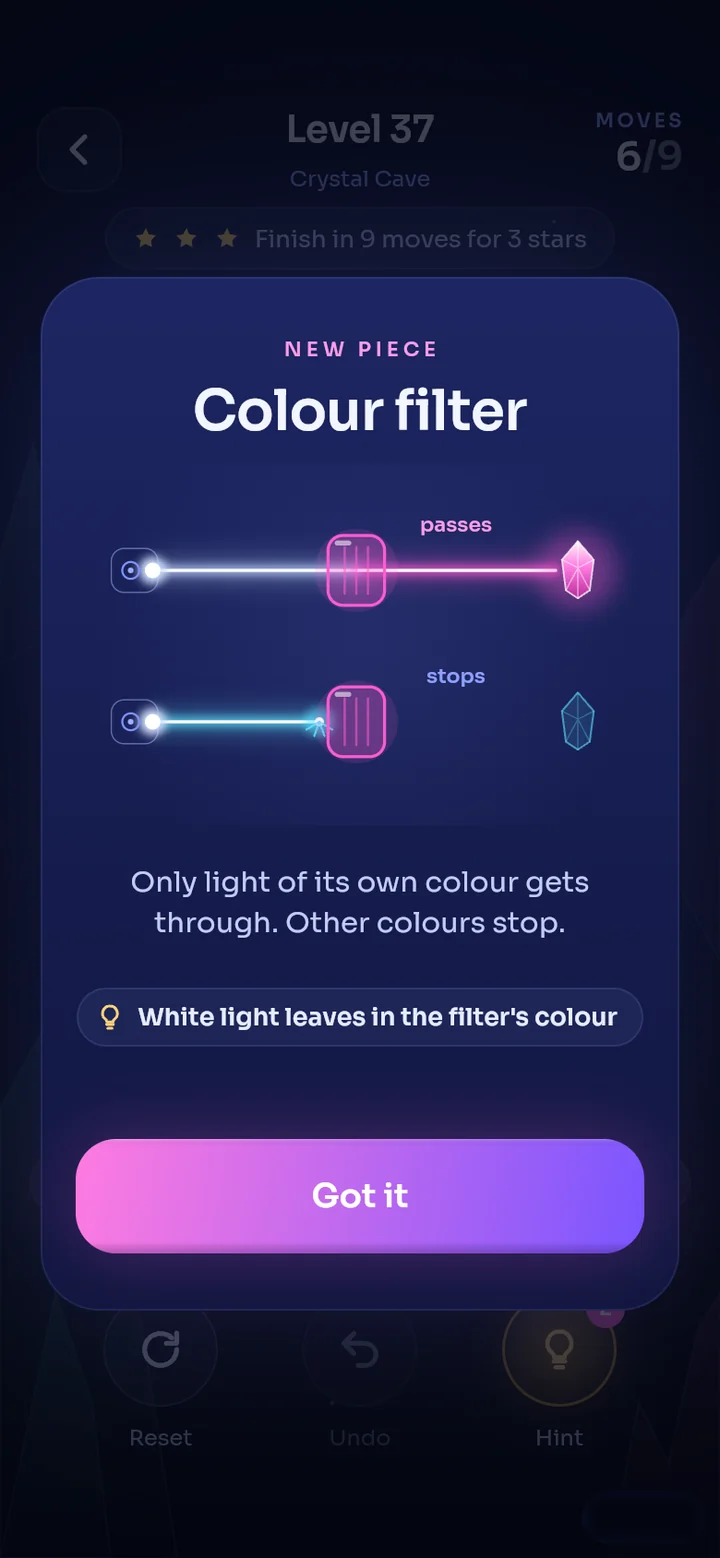
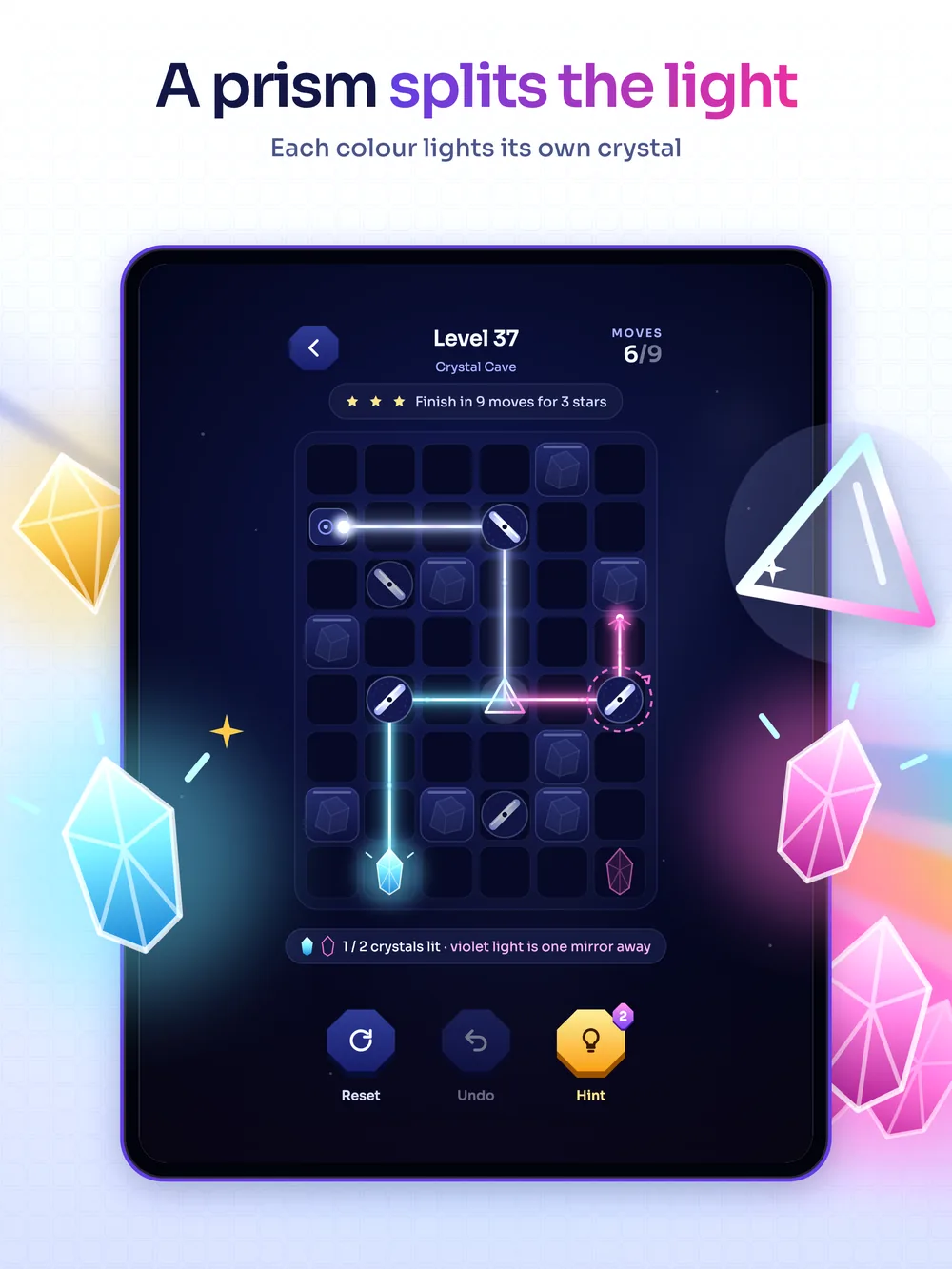
A prism splits white light in two: cyan to its right, purple to its left. A colour filter lets only its own colour through.
Tap the mirrors.
This is a small Lumen level. Get the light to both crystals.
- Tap a mirror to turn it and redirect the light.
- The prism splits white light in two: cyan and purple.
- Every colour lights its own crystal.
Stuck?
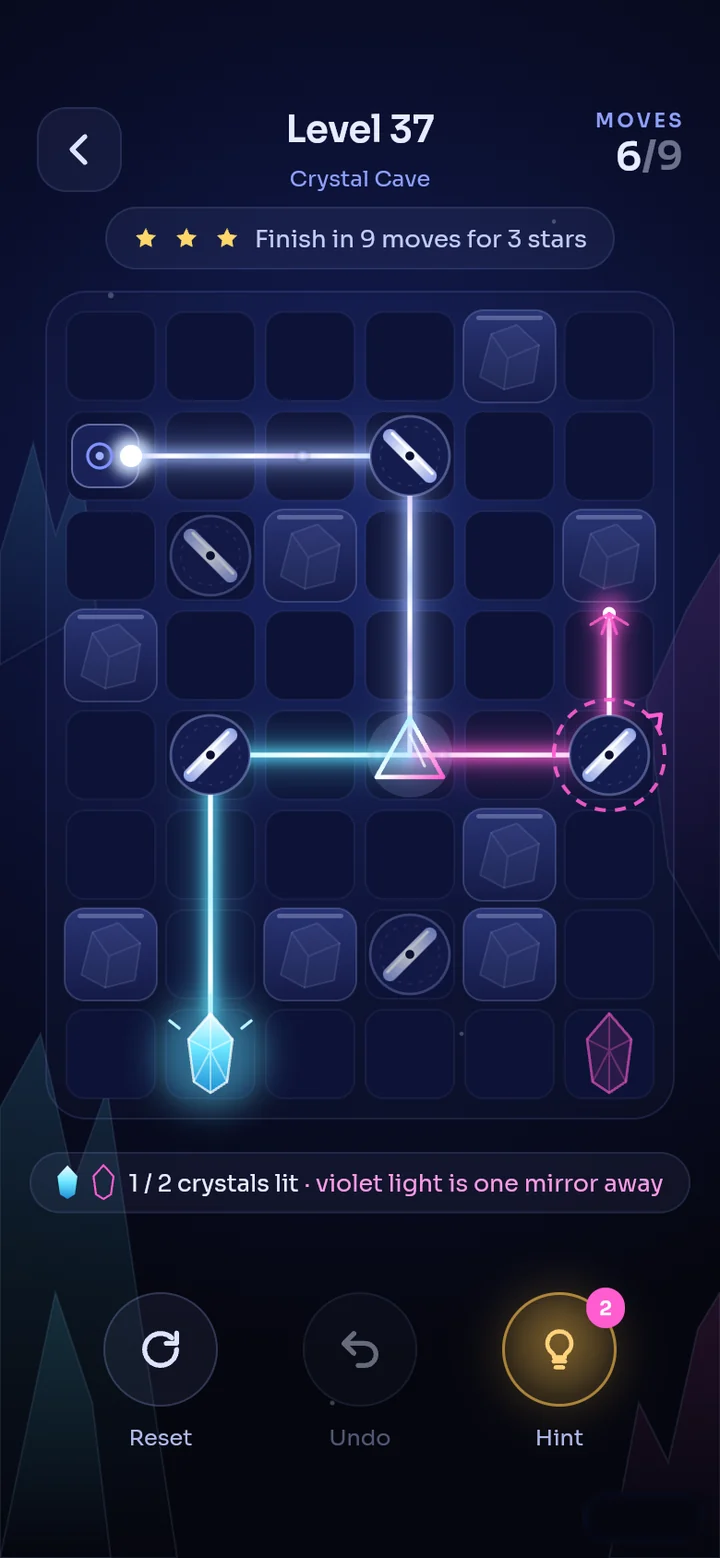
Three buttons. Tap one to see where it sits in the game.
Reset. Turns the mirrors back to their starting positions; your move count stays.
Undo. Reverses your last tap; the move you spent is not refunded.
Hint. Marks the first mirror to turn. The number on the button shows how many hints you have left.
Before a level you pick a booster: Hint, +3 moves or Light eye.
A wave of light.
When the last mirror clicks into place, two crystals ignite together and a wave of light spreads through the cave.
- Crystals light up one after another, the pitch rising as they go.
- Every tap answers with sound, haptics and particles. All of it switches off in Settings.
- When you finish, the stars fill one by one and the coins fly to the counter.
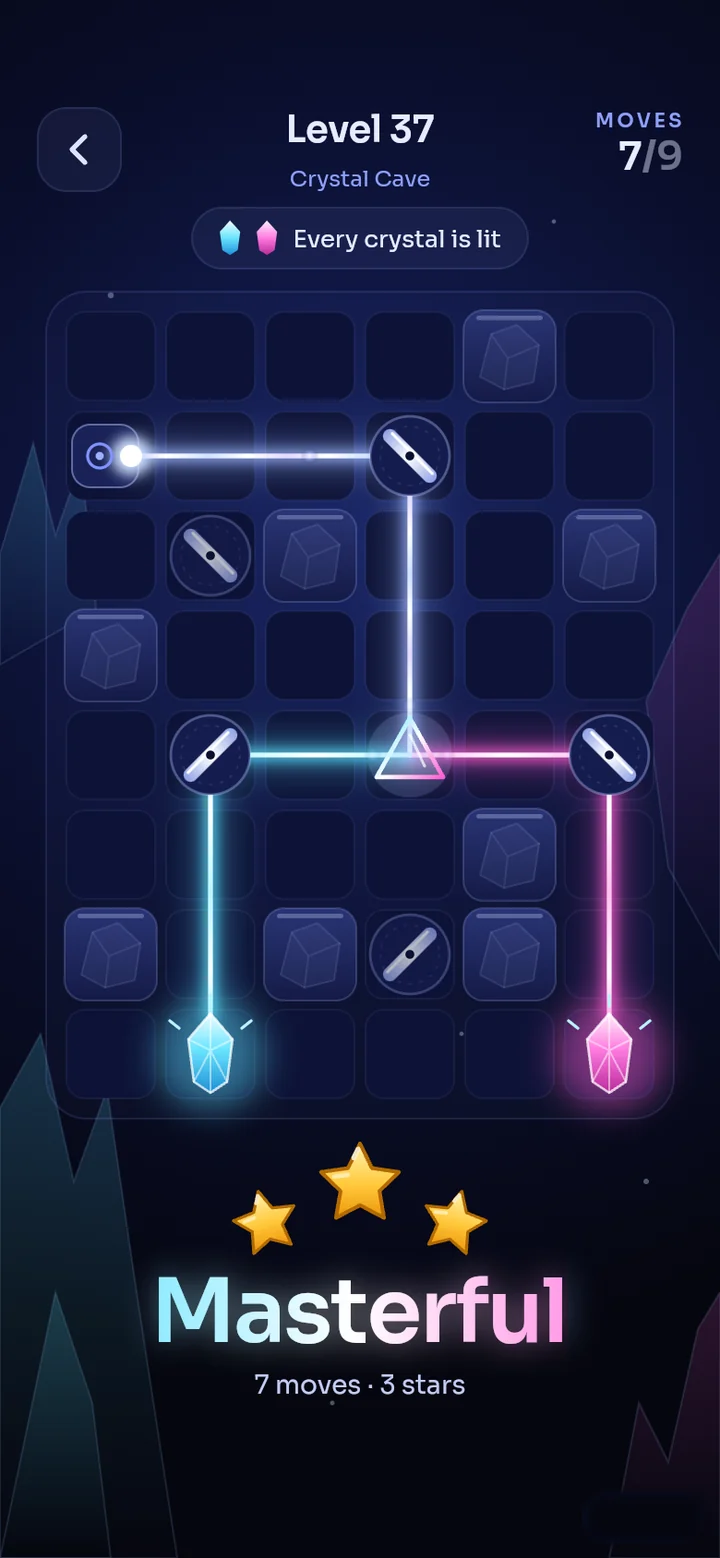
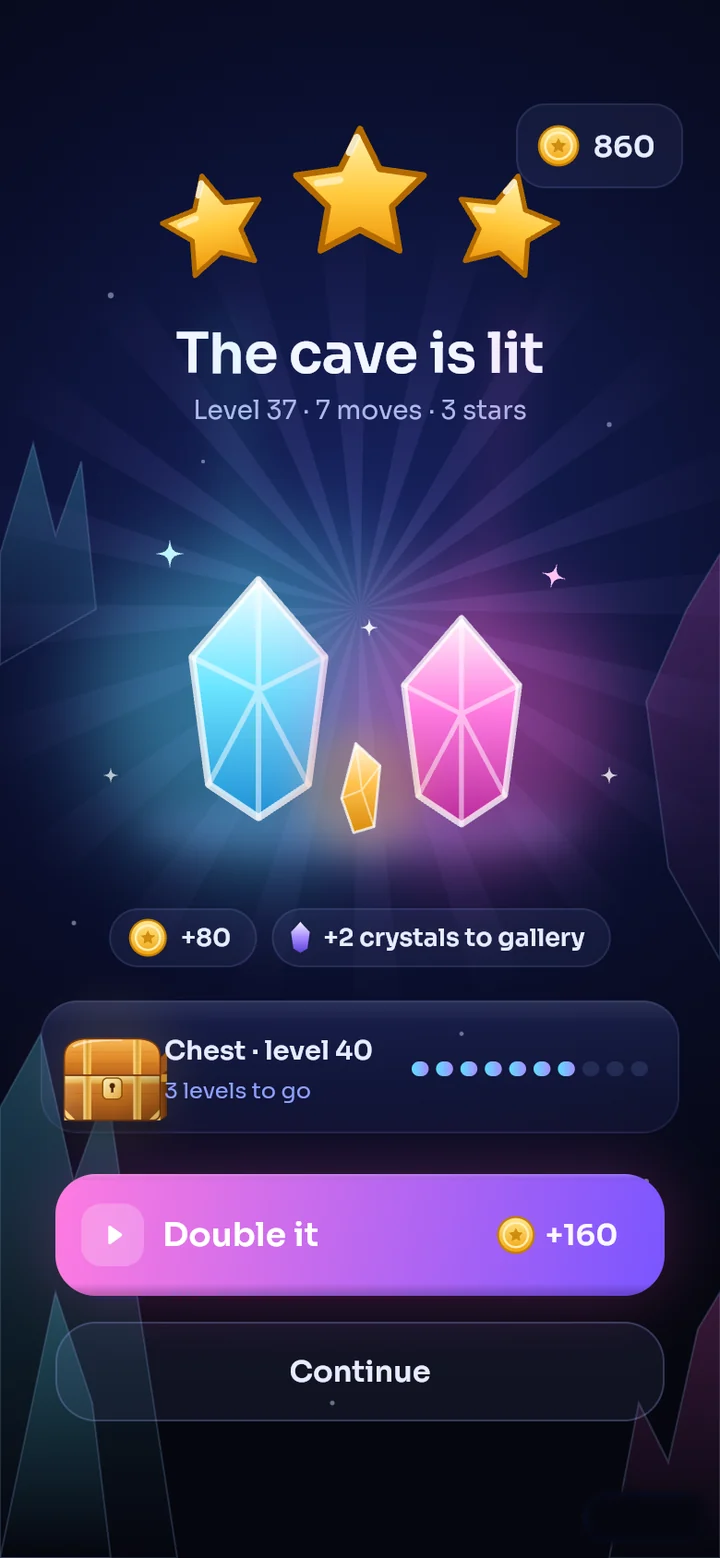
Something new in every region.
The further you go, the trickier the light's path gets.
- The prism arrives on level 6: it splits white light in two, cyan to its right, purple to its left.
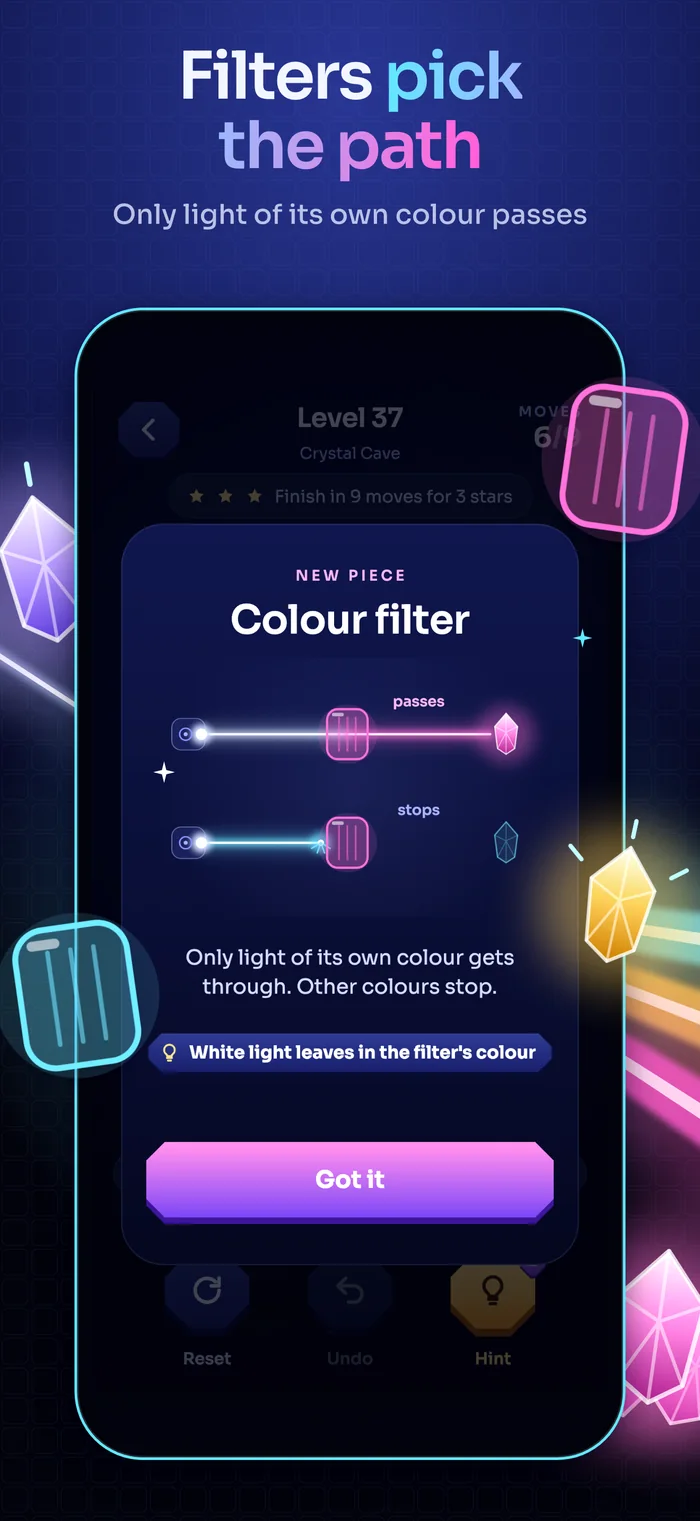
- The colour filter arrives on level 16: only light of its own colour gets through, other colours stop.
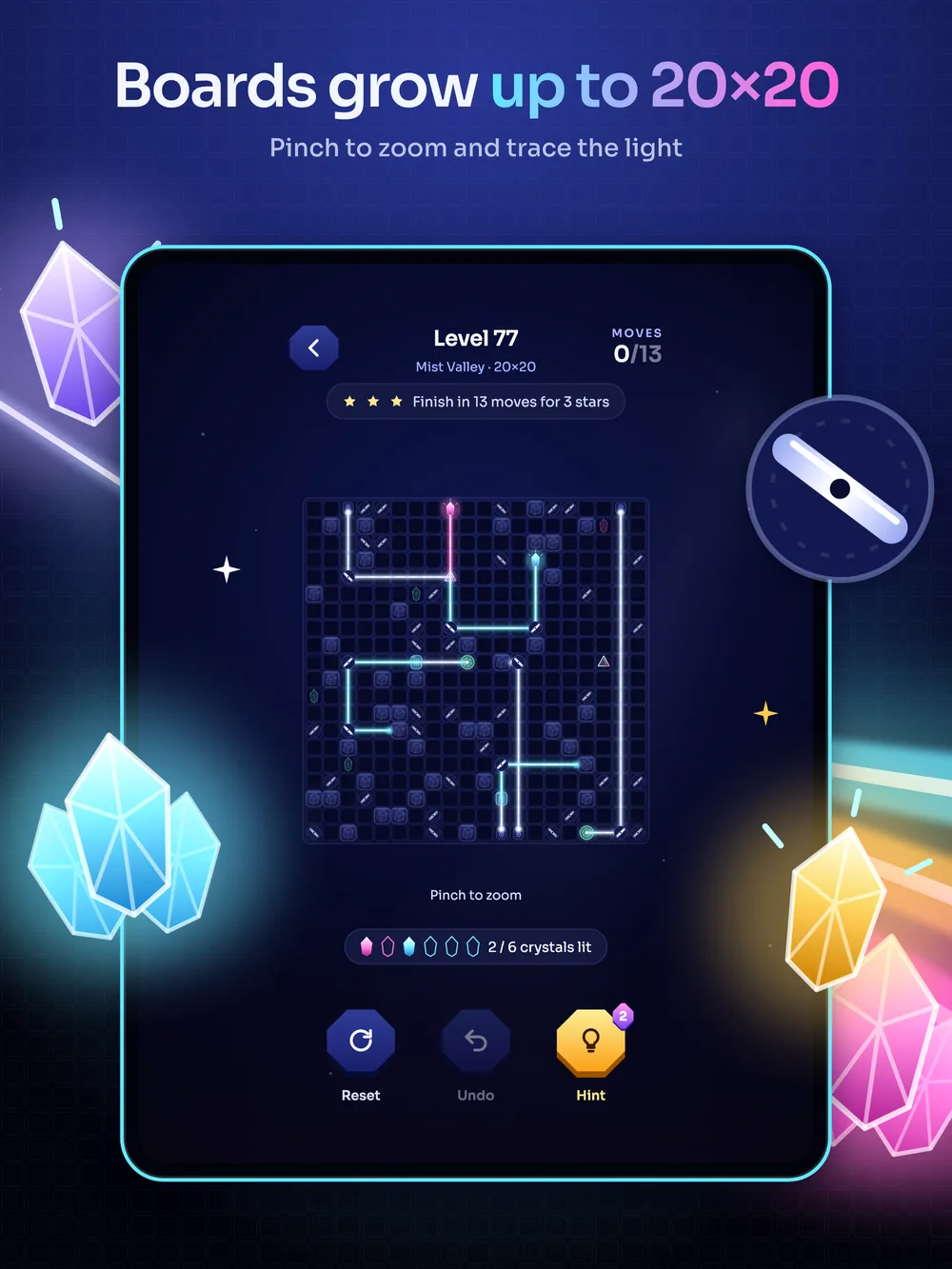
- The teleporter comes with Mist Valley: light entering one gate leaves its twin in the same direction. Twins glow in the same colour.
- Before every level you see the goal and a preview of the board, and you pick your booster.
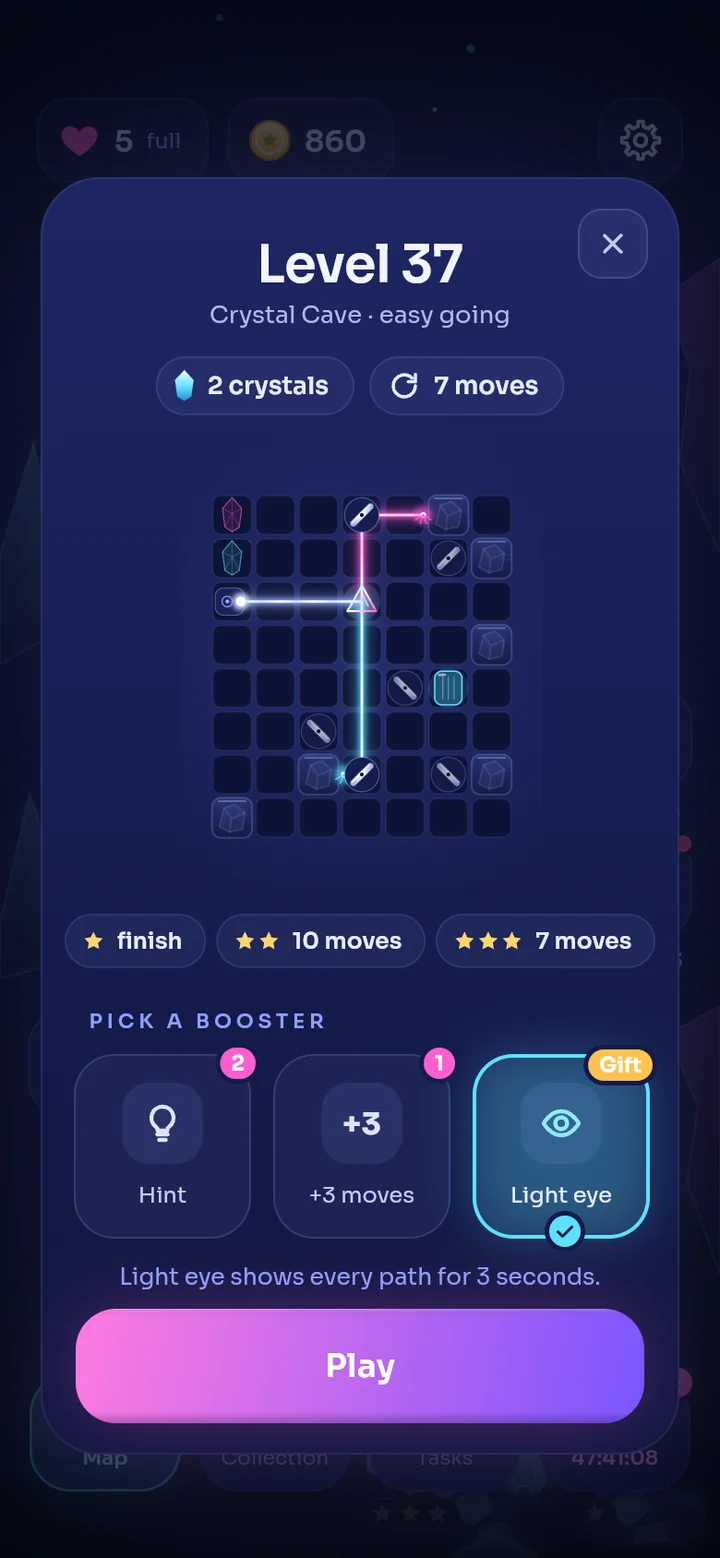
Even wider on iPad.
Lumen is laid out for iPad separately: the board grows and the cards scale to the screen.
- iPad
- Portrait, full screen
- 20×20 board
- The interface is set up separately for iPhone and iPad; the board and cards scale to the screen and the content stays centred.
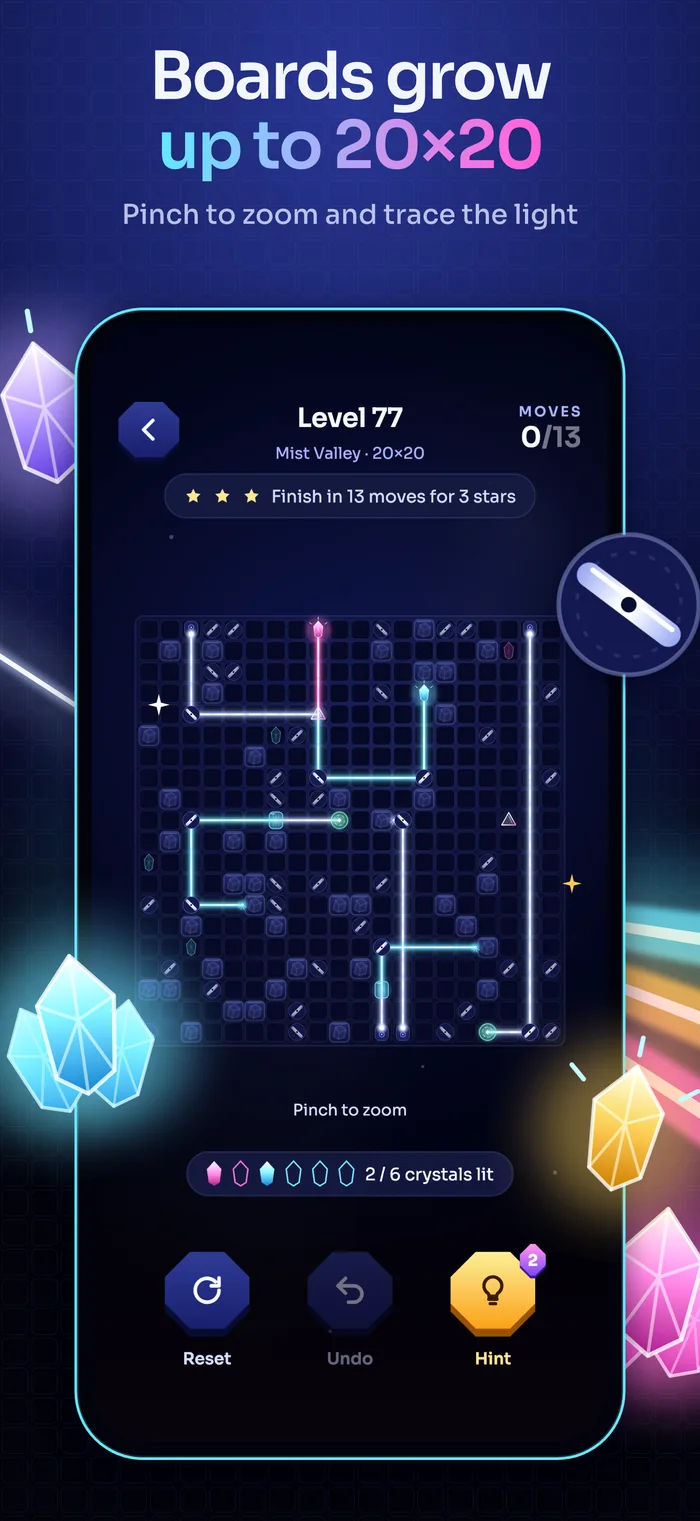
- Large boards grow up to 20×20: pinch to zoom and find the path of the light.
- One app runs on iPhone and iPad; iOS 15 and later.
Five regions, five colour worlds.
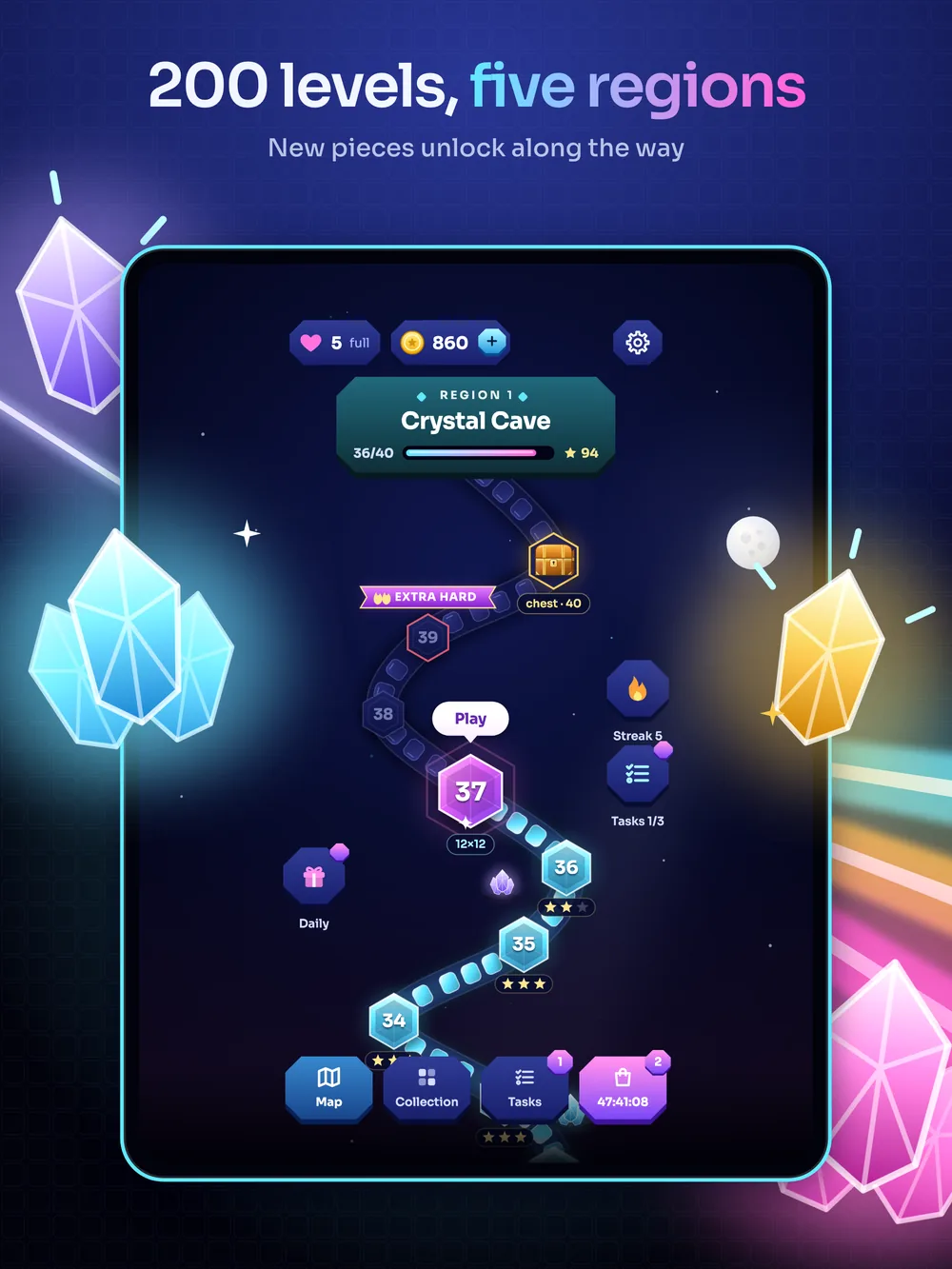
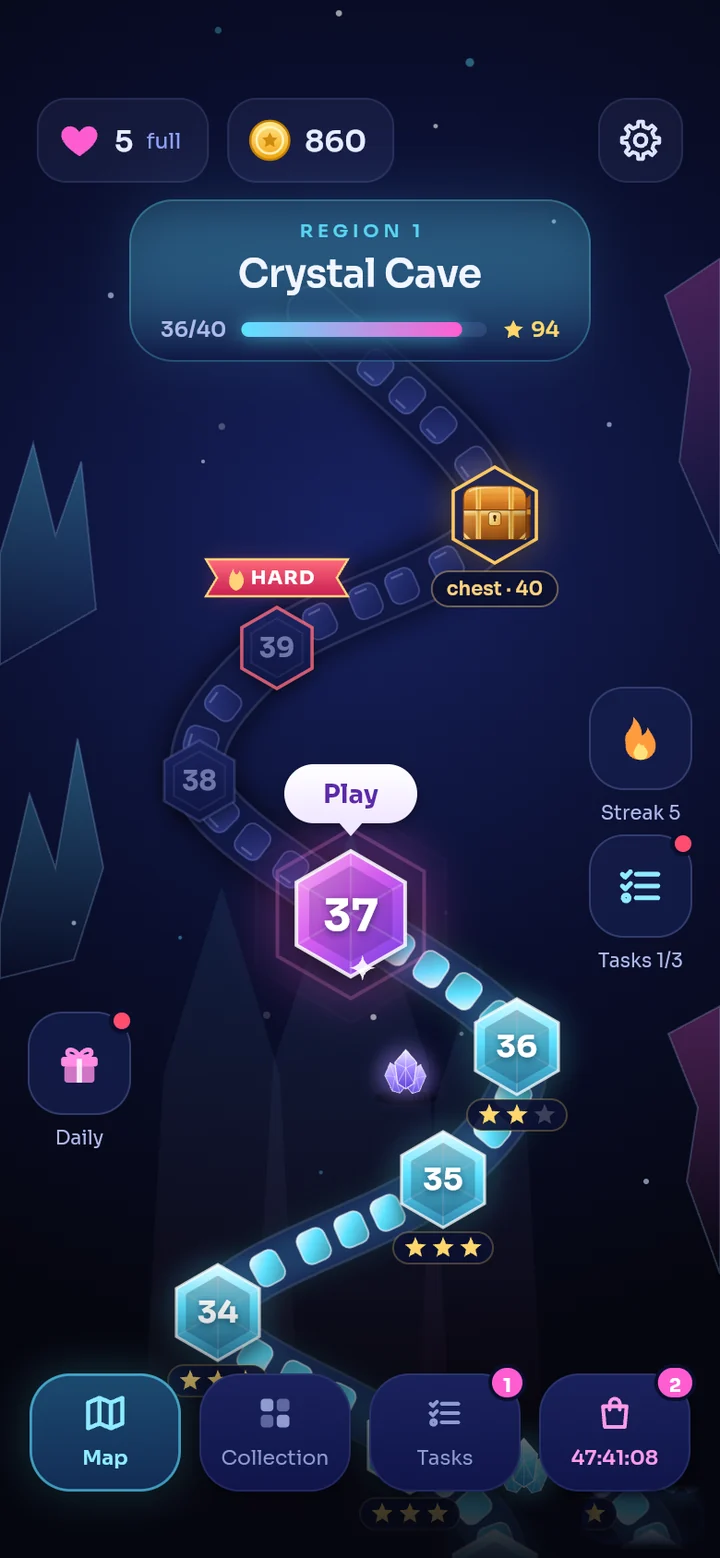
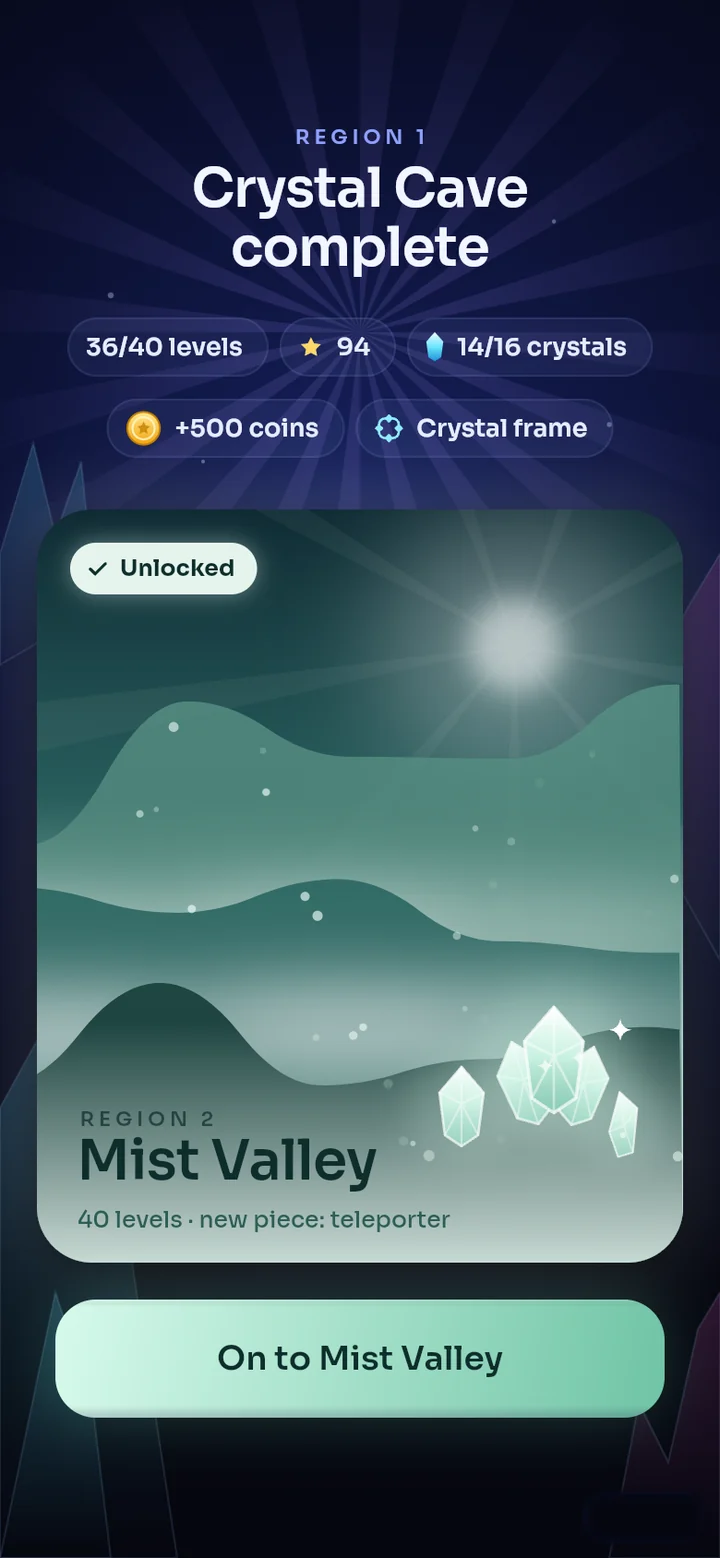
The Crystal Cave ends and Mist Valley opens in a colour world of its own.
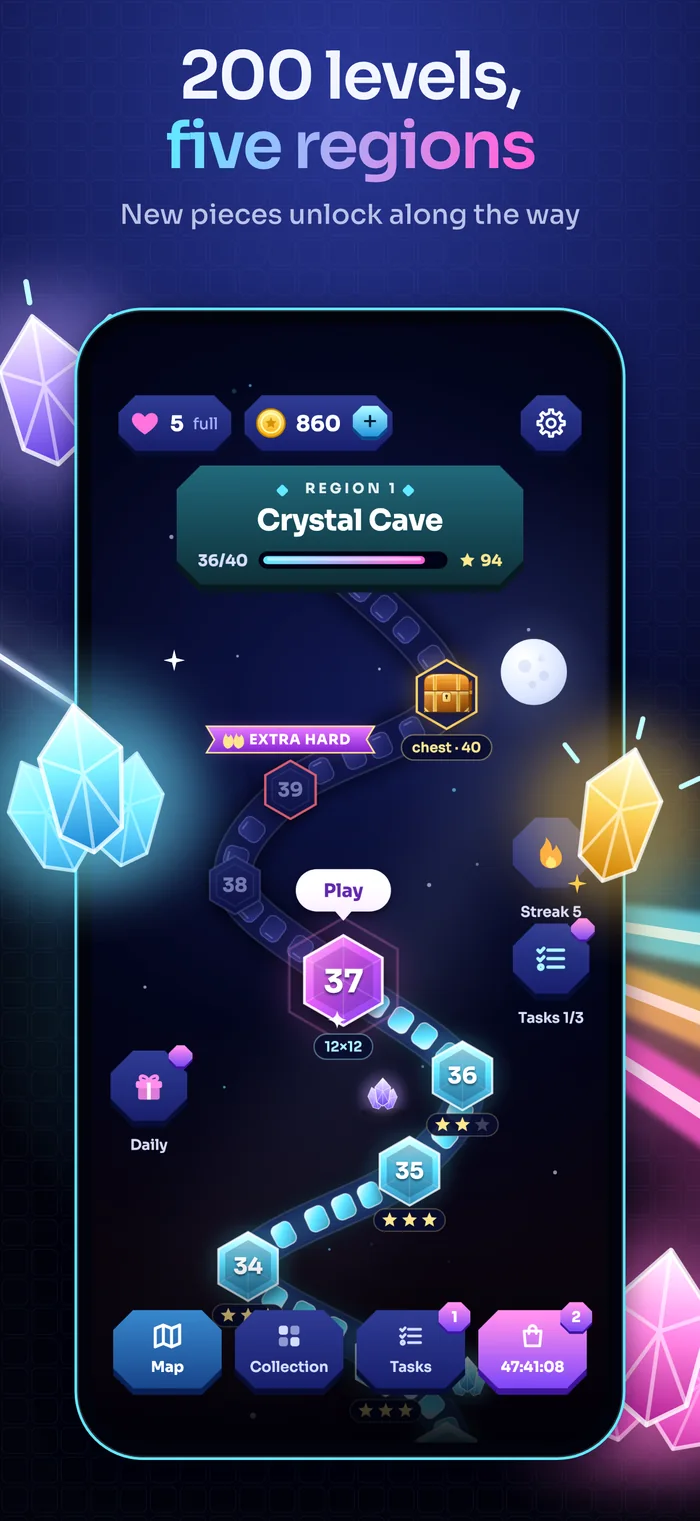
- Five regions of 40 levels each: 200 in total.
- Every region has its own colour and light; Mist Valley opens in mint green.
- Finish a region to earn 500 coins and a Crystal frame, and the next region opens.
Become a light master.
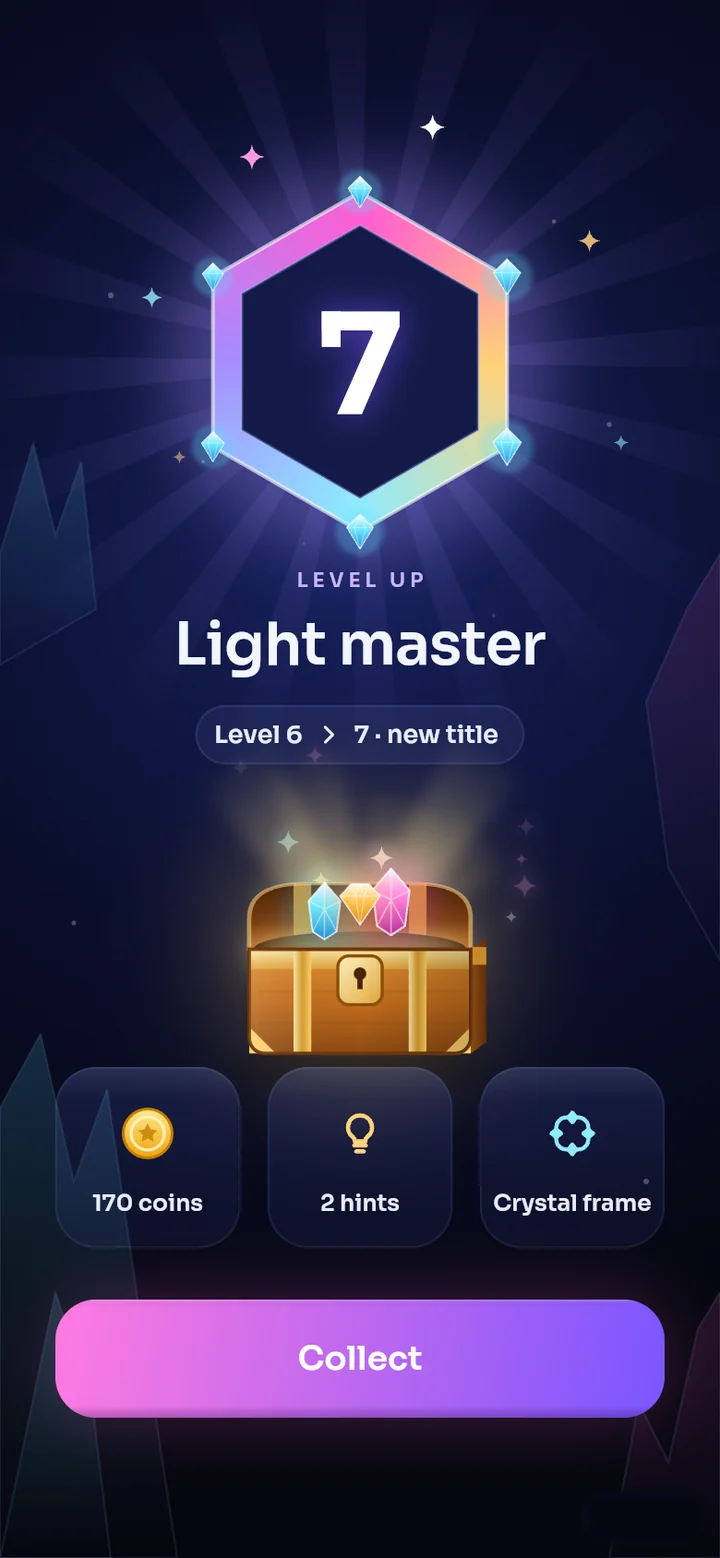
Your player level rises as you play.
- Level up and unlock eleven titles, from Spark to Light legend; every level brings a chest.
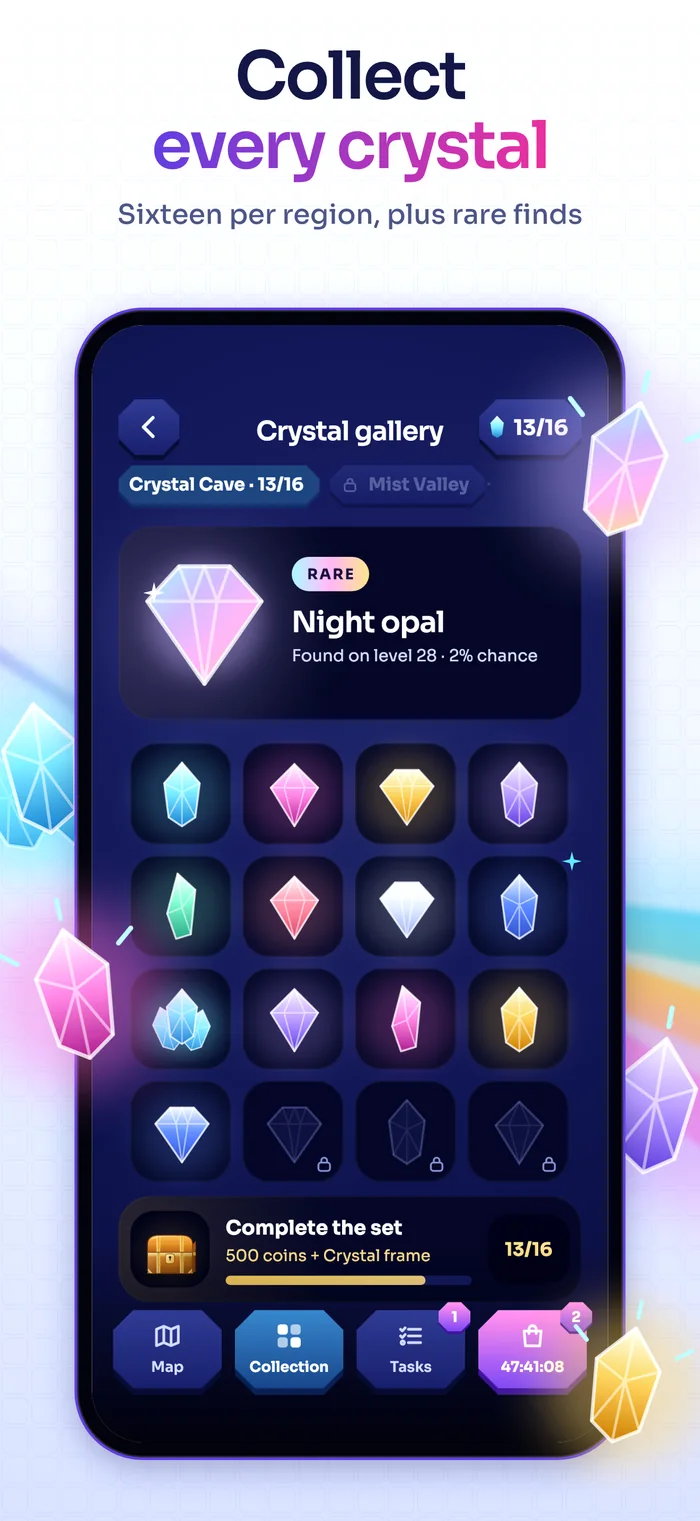
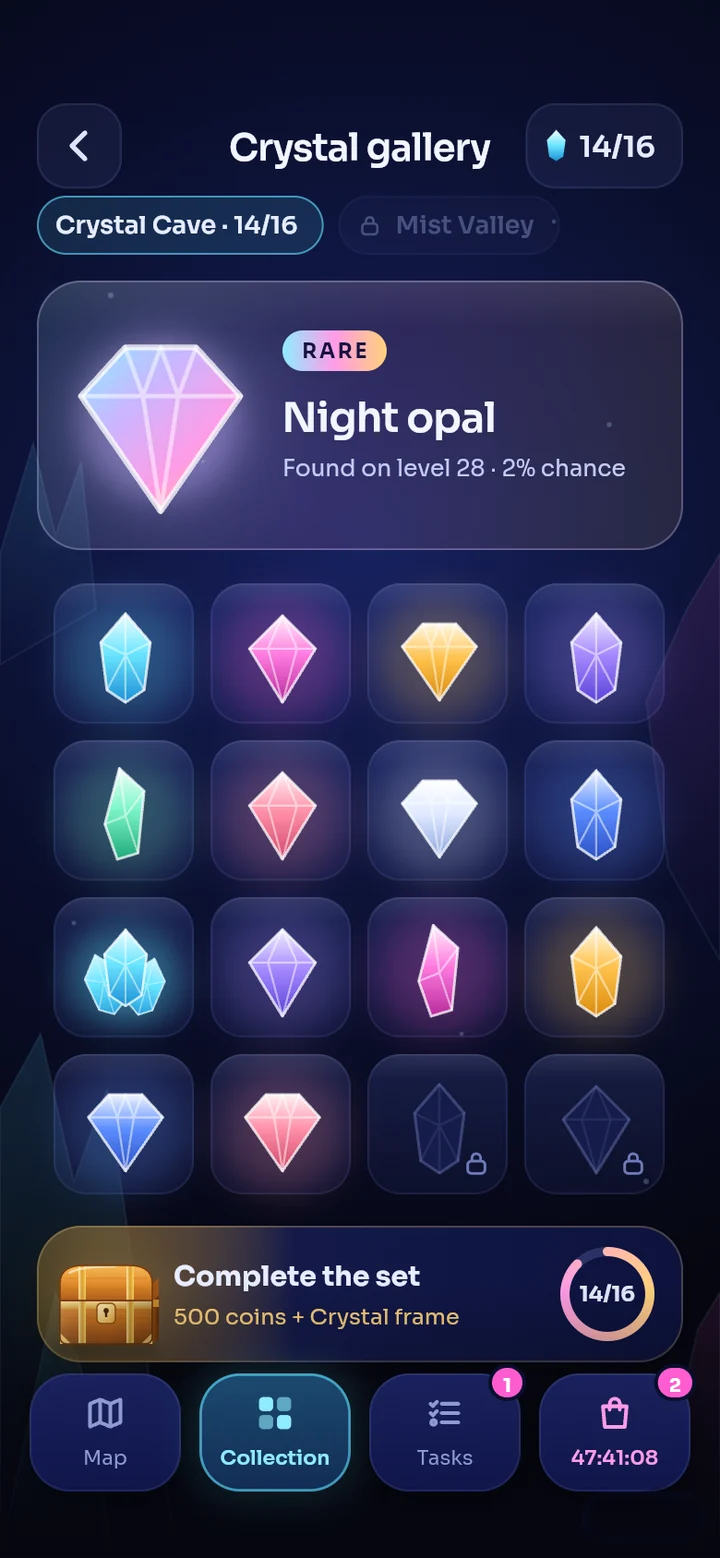
- Every region hides 16 crystals. Rare crystals sit in their own showcase, with a 2% chance on every win.
- Complete a set to earn 500 coins and a Crystal frame.
- The shop has a starter pack, coin bundles and an ad-free option; all of it is optional. You can also watch an ad to earn coins.
Keep the streak.
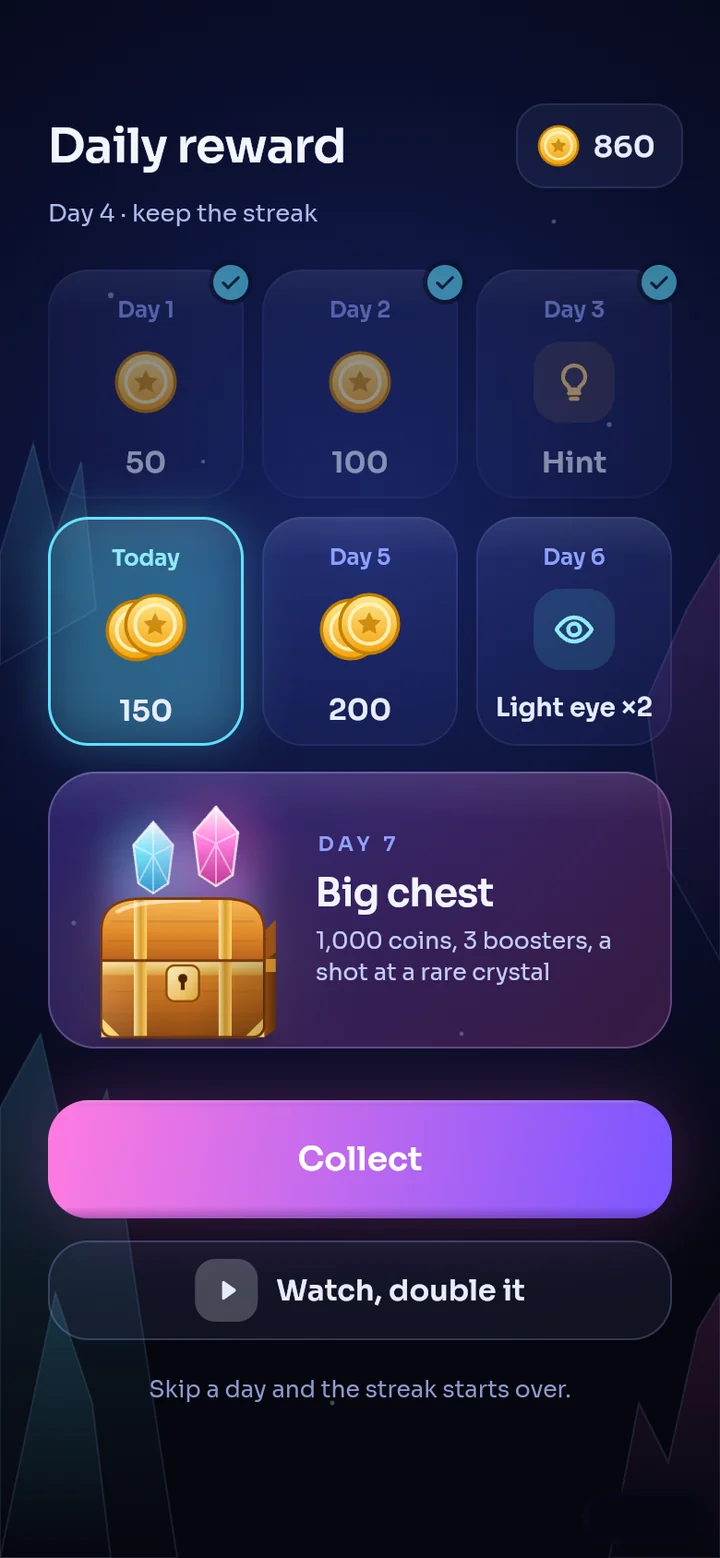
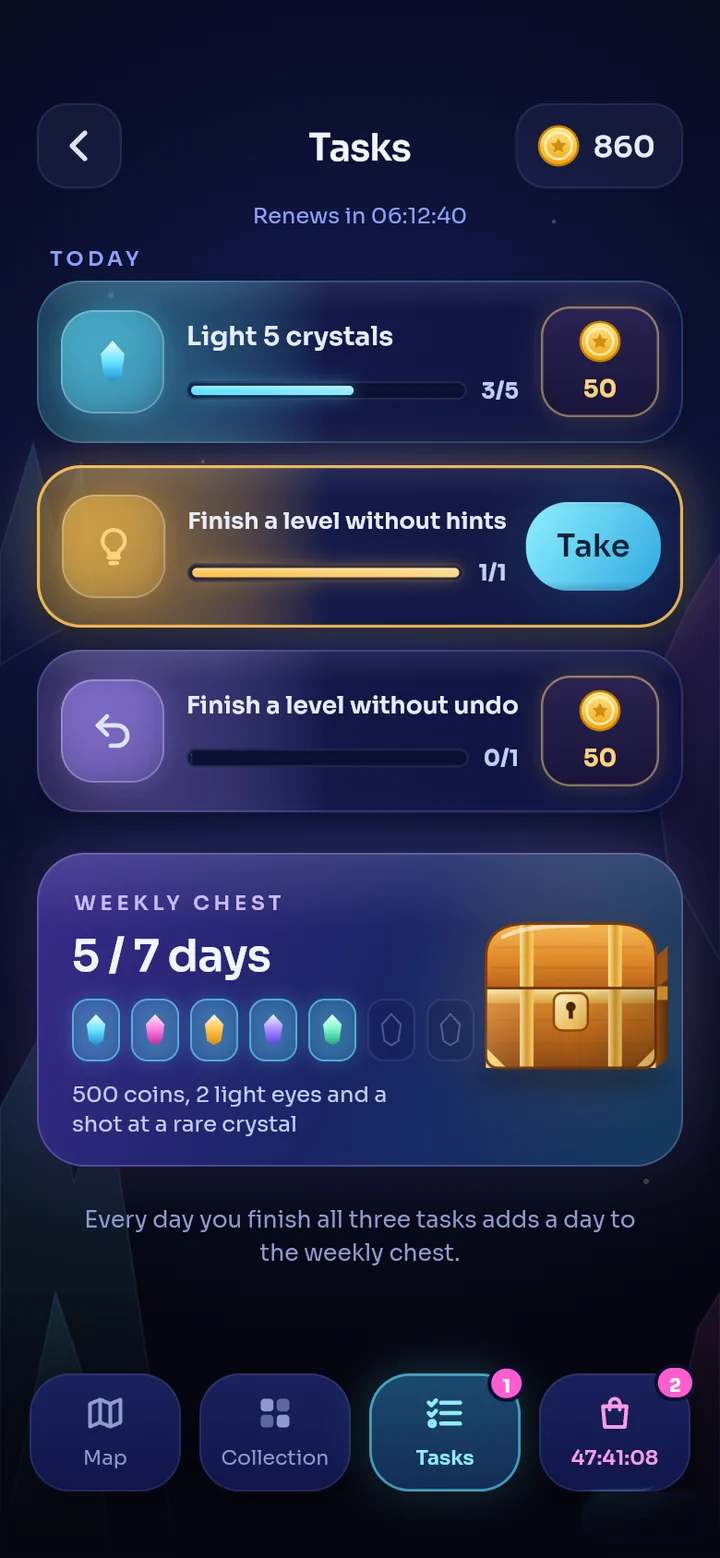
A seven-day reward streak, three daily quests and a weekly chest.
- Come back every day to keep your streak going; day seven has a big chest. Skip a day and the streak starts over.
- Three quests appear every day: for example light 5 crystals, finish a level without hints, finish a level without undo.
- Every day you finish all three quests adds a day to the weekly chest: 500 coins, 2 light eyes and a shot at a rare crystal.
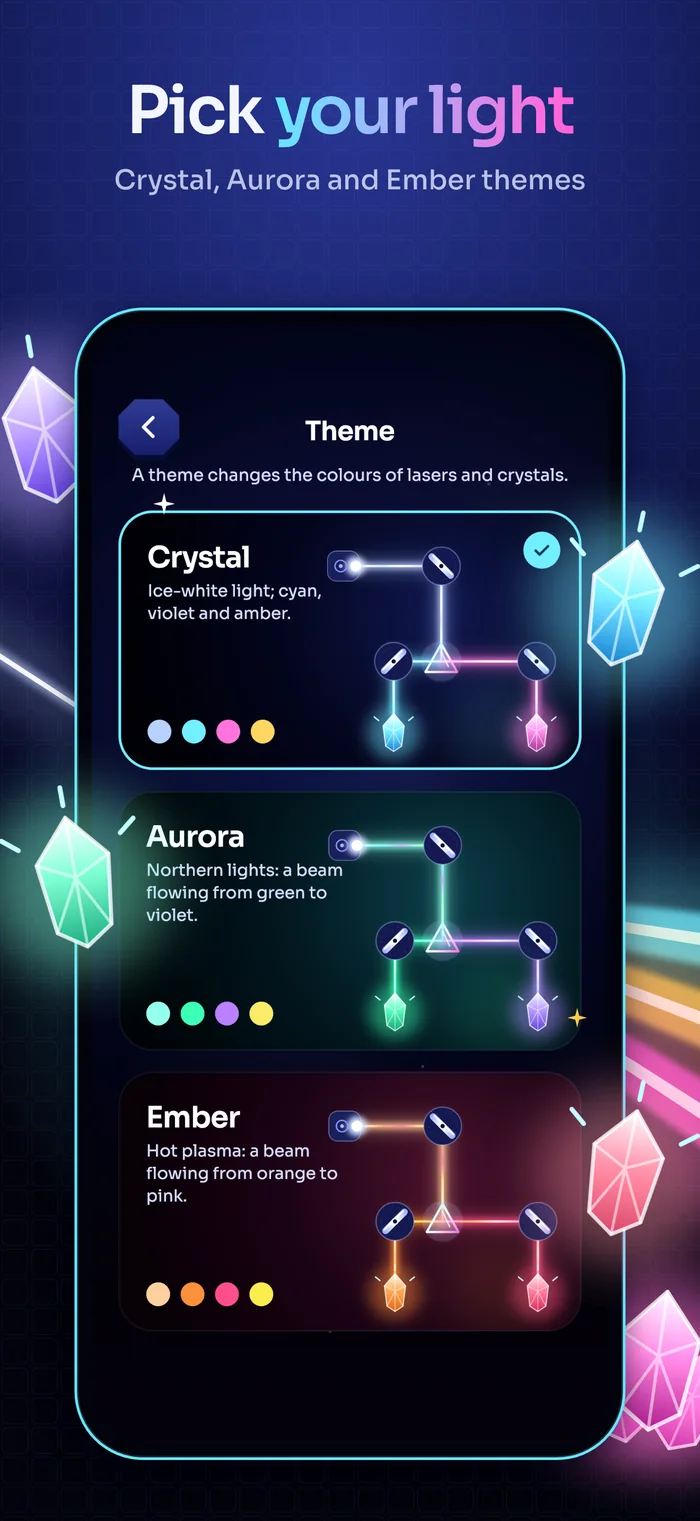
Pick the colour of the light.
Tap a theme: this page changes colour just like the game.
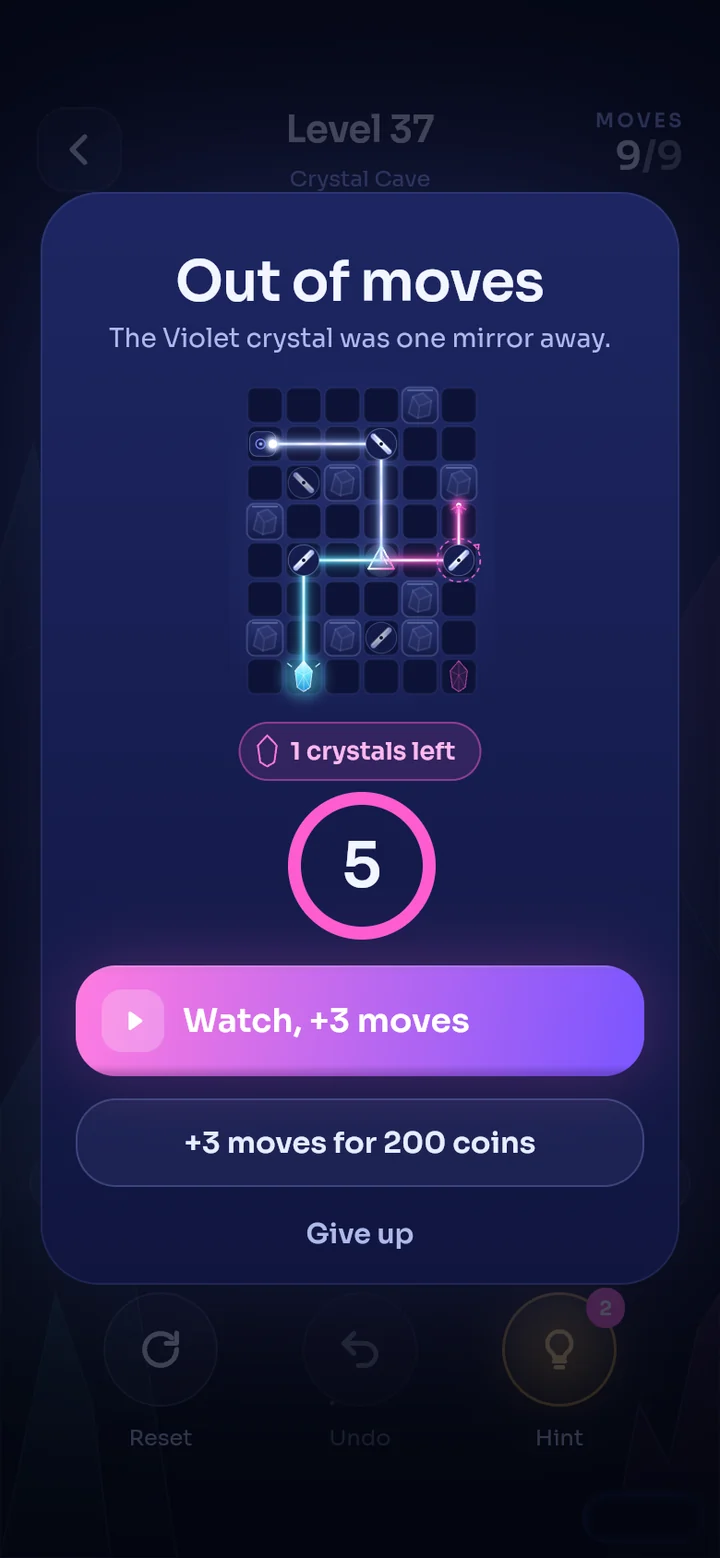
Out of moves is not the end.
When the moves run out you get five seconds to decide: +3 moves with an ad or for 200 coins.
- Watch an ad or spend 200 coins for three more moves; or give up.
- If you lose, a life goes and the screen tells you how close you were. There is no ad on this screen.
- On pause you adjust sound, music and haptics; the exit button tells you about the lost life before you tap it.
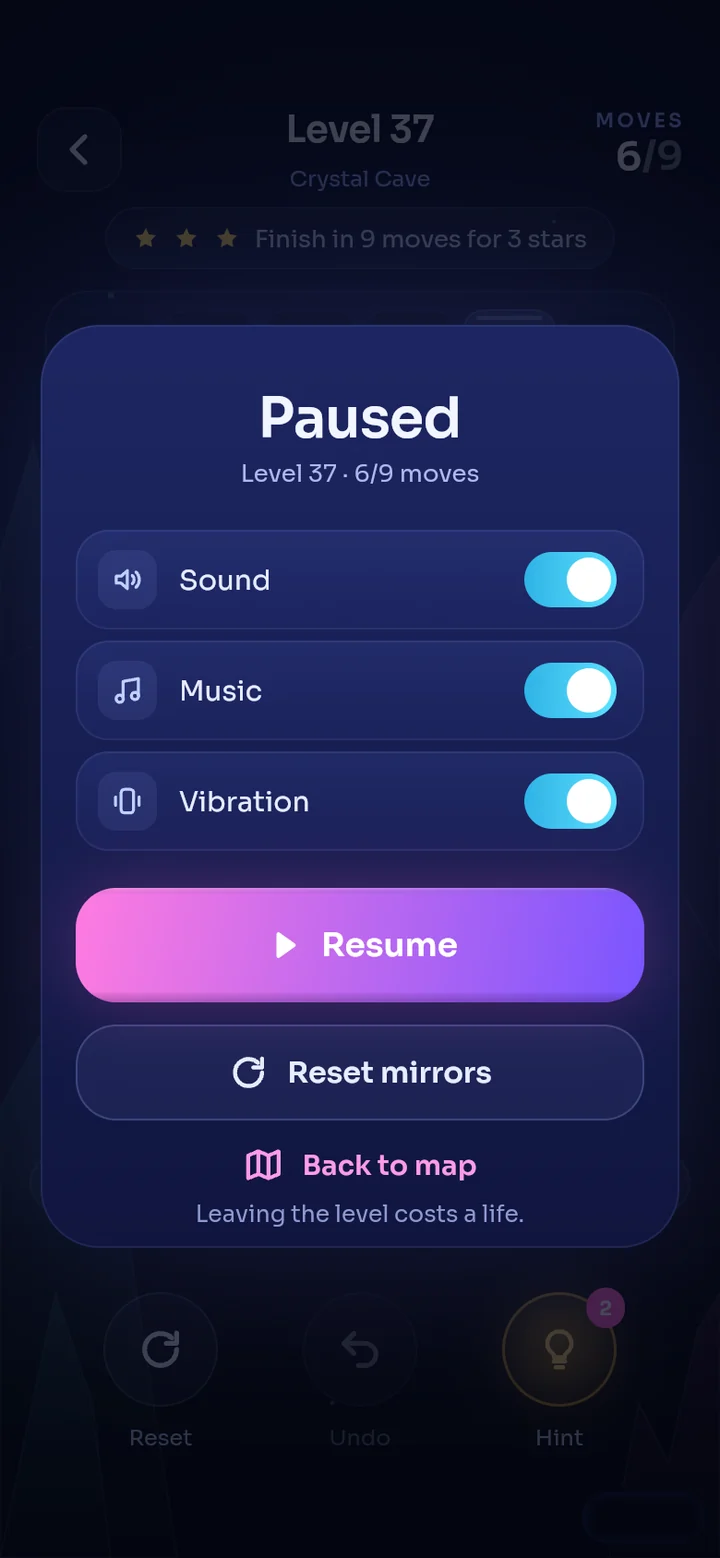
Short and clear.
Is it free?
Yes. The game is free; it shows ads and offers optional in-app purchases. If you buy the ad-free product, interstitial and app-open ads go away; rewarded ads stay optional.
Is there a level that cannot be solved?
No. All 200 levels are checked with a solver; every one can be solved. The target move count is shown at the top of the screen; finish within it for 3 stars.
Do I need an account?
No. Your progress is stored on your device. Details in the privacy policy.
Will my progress move to a new phone?
No. Your progress is stored only on your device and there is no cloud save. If you delete the app, the progress goes with it.
What happens when I run out of lives?
You hold up to 5 lives and one refills every 30 minutes. If you do not want to wait, you can get a life with coins or a rewarded ad.
Can I restore my purchases?
Yes. There is a "Restore purchases" option in Settings and in the shop.
Which devices does it run on?
iOS 15 and later on iPhone and iPad, Android 7.0 and later.
Which languages?
Turkish and English. The language follows your device and you can change it in Settings.
Who do I write to if something goes wrong?
See the support page or write to hello@androverse.com.tr.
The crystals are waiting.
Lumen is coming to the stores. Until then, the pages below are here.